How to send a crypto invoice
A crypto invoice asks a client for an exact amount of one coin. A payment link sets the coin, amount and your address, and the client pays at a fixed price.
Updated
A crypto invoice is a request for an exact amount of a cryptocurrency, such as USDT or Bitcoin. On Plaxswap you send it as a payment link: a page that shows what the payment is for and the amount, which your client opens and pays. You receive exactly the amount you asked for.
It's free, and you don't need an account.
Create a crypto invoice
What you need
- An address for the coin and network you want to receive, from your own wallet or from an exchange account.
- For an exchange account, the account holder's full name and the exchange's name. Payments to exchanges carry the name, as the travel rule requires, and the payer doesn't see it.
- The exact amount, and an invoice number or a short title.
Create an invoice, step by step
Step 1
Enter the invoice details
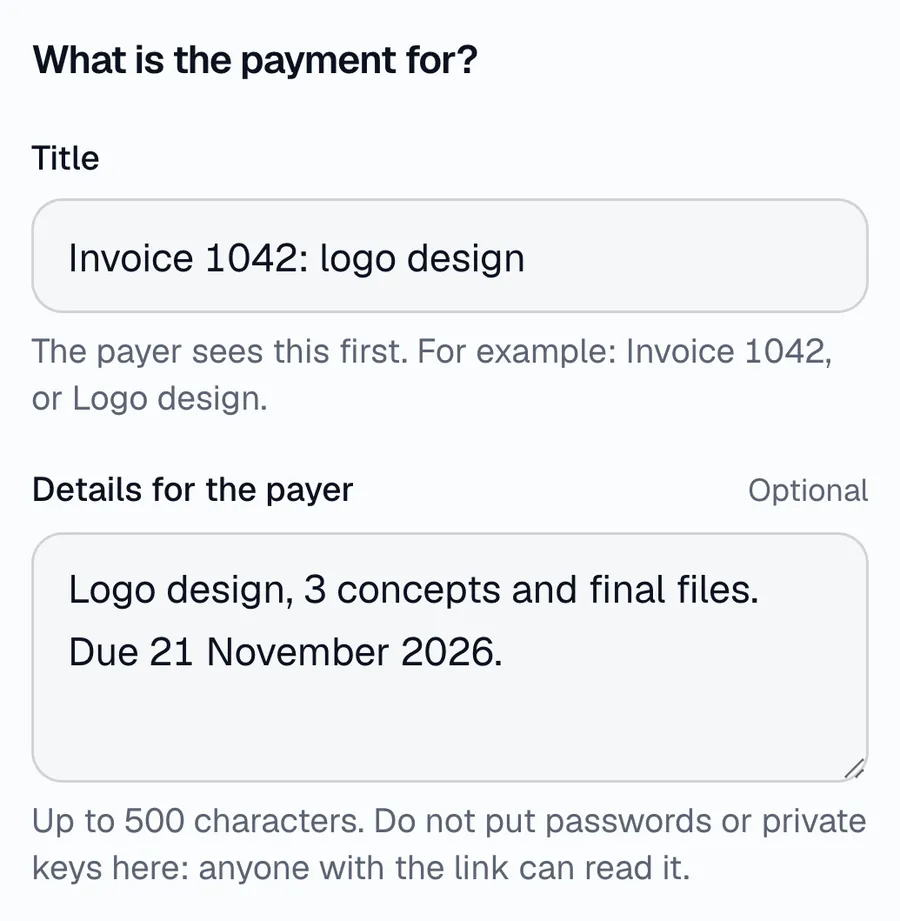
On the payment links page, type a title your client sees first, such as an invoice number, then add what the invoice covers and when it's due. The title takes up to 80 characters and the details up to 500. Anyone with the link can read them, so leave out passwords, keys and private data.
Step 2
Choose the coin and network
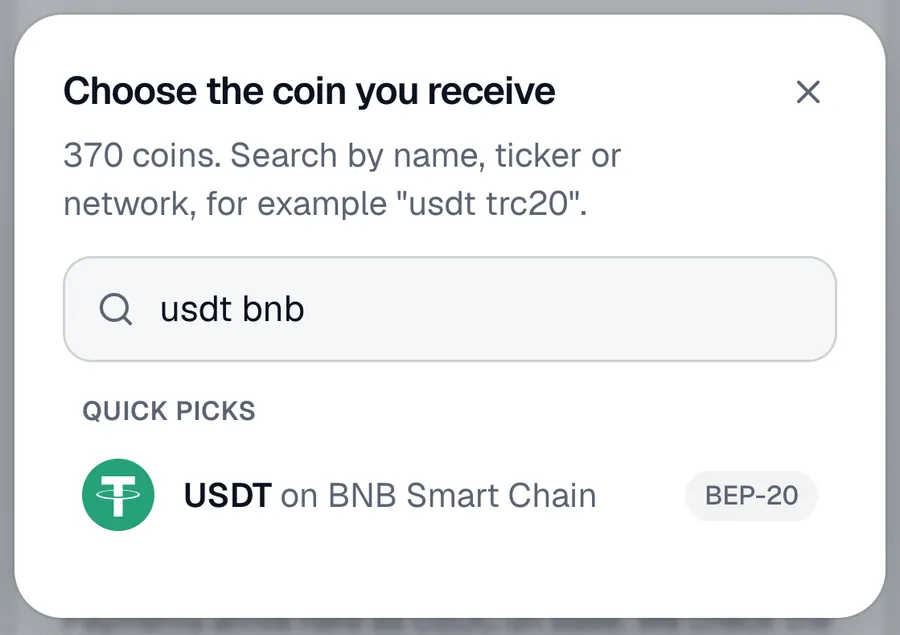
Open the coin list and search, for example "usdt bnb". USDT on BNB Chain and USDT on Tron are separate, so pick the network your wallet or exchange uses for that coin.
Step 3
Set the amount and your address
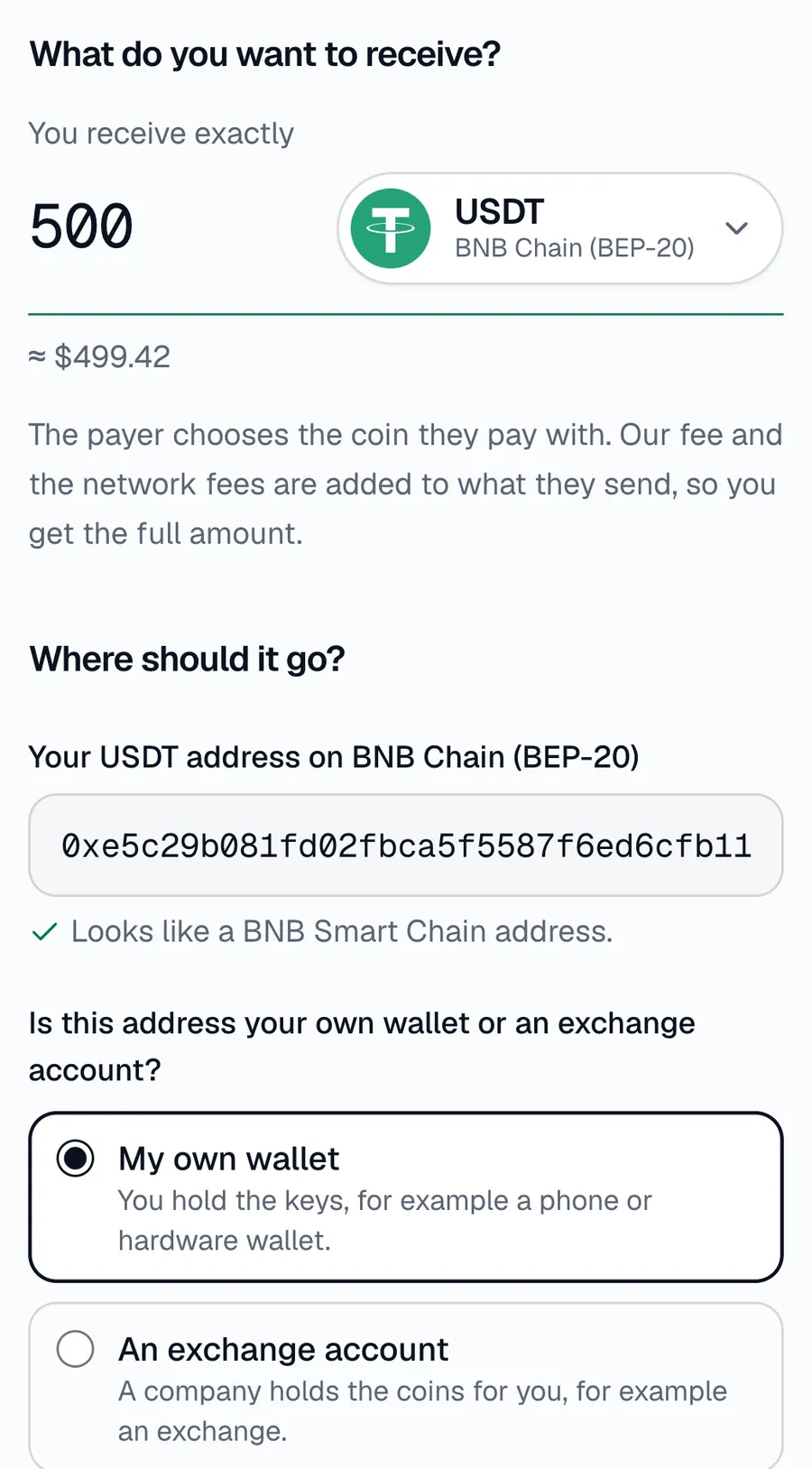
Type the exact amount you want to receive and paste your address on that network. The page checks that the address fits the network. Then say whether it's your own wallet or an exchange account, and add a memo or tag if the network uses one and your exchange gave you one.
Step 4
Create the link and share it
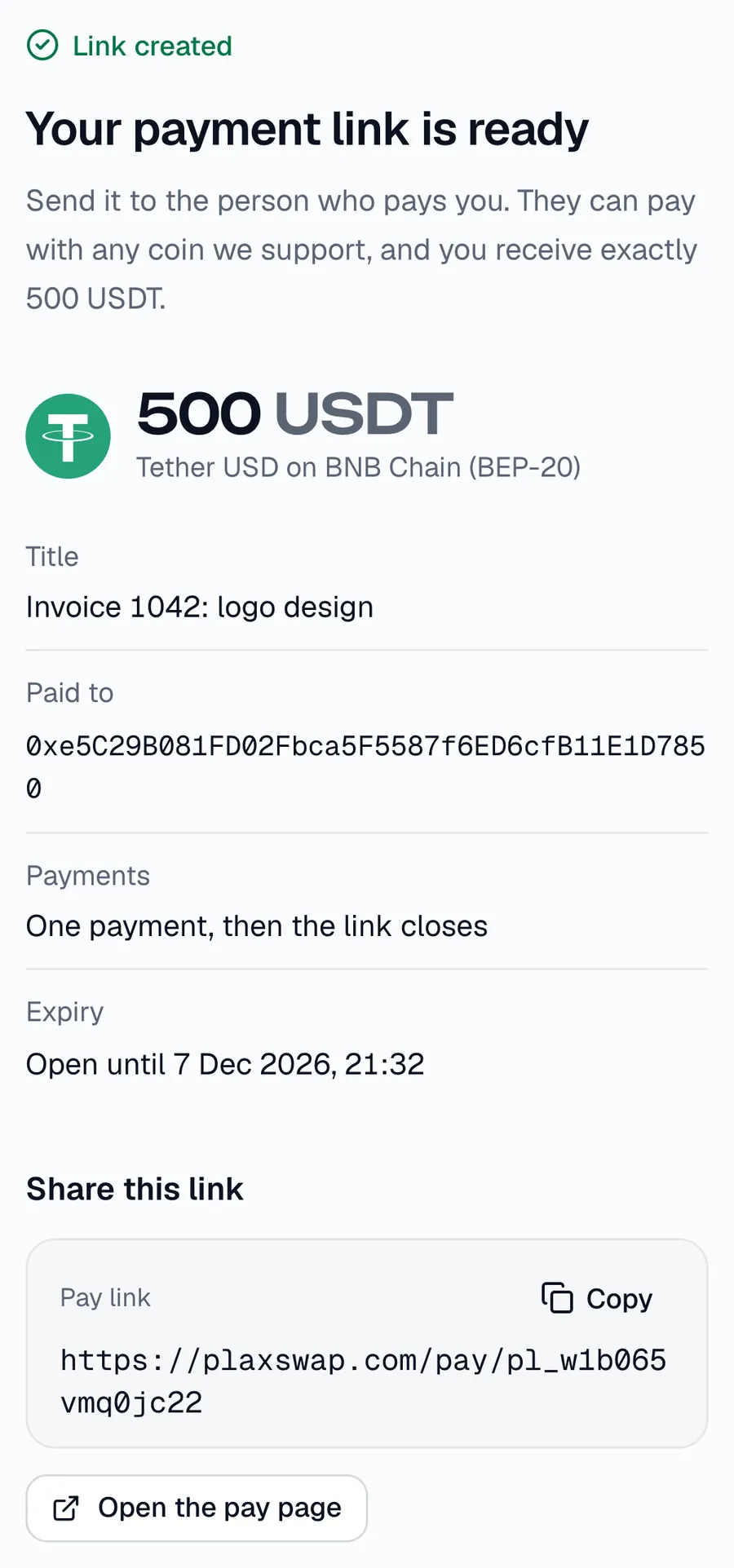
Choose when the link stops taking payments: 1 hour, 1 day, 7 days, 30 days or with no end date. Leave Accept more than one payment off, so the link closes after one payment. Create the link and send it, or its QR code, by email or chat. Save the private manage link shown under it, because it isn't shown again.
Step 5
Check the payment status
Open the manage link at any time. It shows whether the link is open, how much has arrived and each payment, and it updates by itself. Only payments marked Done have reached your address. You can also cancel the link there.
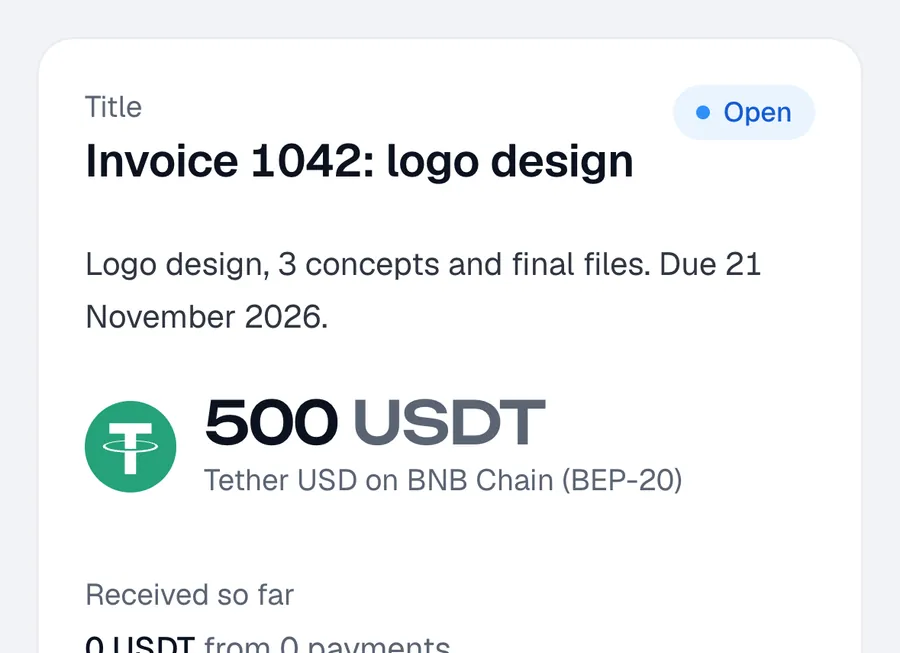
What your client pays
You always receive the full amount on the invoice. Your client pays the Plaxswap fee on top of it, plus the route's cost and their own network fee for sending, and sees the total before sending anything. The fee depends on the coin they pay with:
| Your client pays with | Fee | Fee in USDT | You receive |
|---|---|---|---|
| USDT on BNB Chain, or another stablecoin on BNB Chain | 1% | about 5 USDT | 500 USDT |
| BNB, or another coin on BNB Chain that isn't a stablecoin | 1.5% | about 7.50 USDT | 500 USDT |
| Bitcoin, or a coin on any other network | 2% | about 10 USDT | 500 USDT |
In the picture at the top, the client chose USDT on BNB Chain and was asked for 505.04 USDT: 500 for you, 5 for the 1% fee and 0.04 for the route. The price is fixed for a few minutes. The fees page lists every Plaxswap fee.
After you send it
- Your client picks a coin from the list on the page and gives a refund address on that coin's network. Once they continue, they have a set time to send the exact amount.
- While someone is paying, a one-payment link takes no other payment. If they don't finish, it opens again when their time runs out.
- If a payment can't go through, the client's coins go back to their refund address, minus the network fees and a handling fee.
- Payers go through our payment checks: payments are closed in some countries, addresses are screened, and a payment can be held for a check. See supported countries.
Before you send it
- Open the link yourself and check the coin, the network and the amount.
- If the address is at an exchange, check that the exchange accepts that coin on that network. Coins sent on a network the exchange doesn't support can be lost.
- Tell the client which invoice the link is for, so they can match it to their own records. For a shop or a website, the crypto payment gateway adds a checkout instead.
Make a payment link for your next invoice.
Create your crypto invoice